Restore a Website
Backups of your files and databases are located in the $HOME/admin/backup directory for your account. You can restore them using the Advanced > Restore backups menu.
Choose the required date,
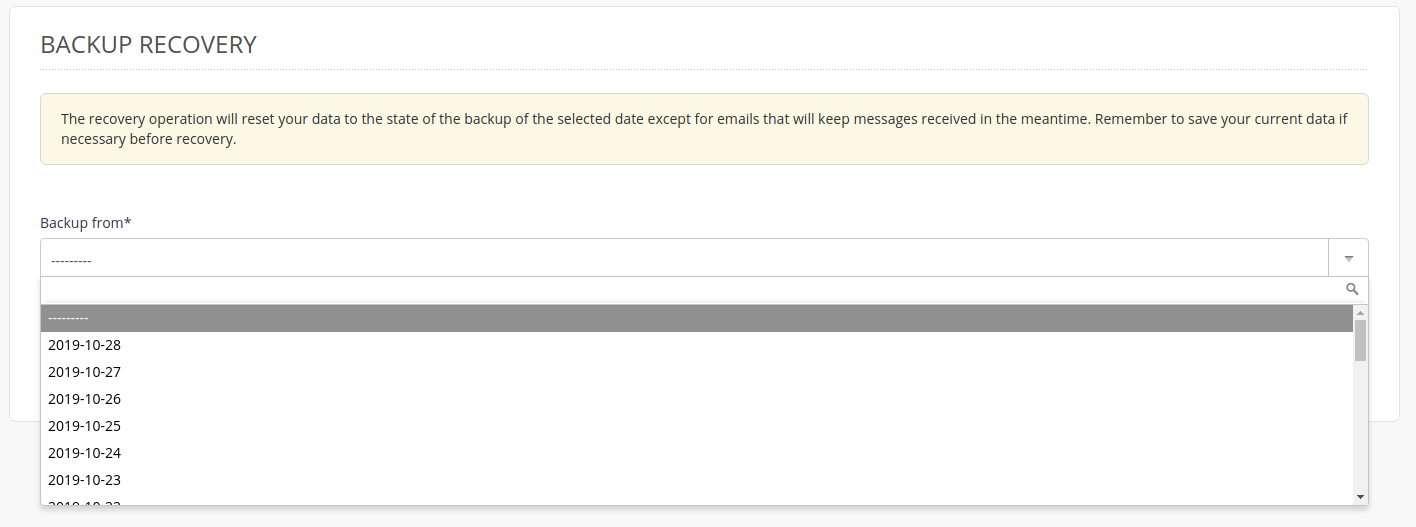
Administration interface: restore backups - step 1 Then check the one or more databases and/or directories required 1.
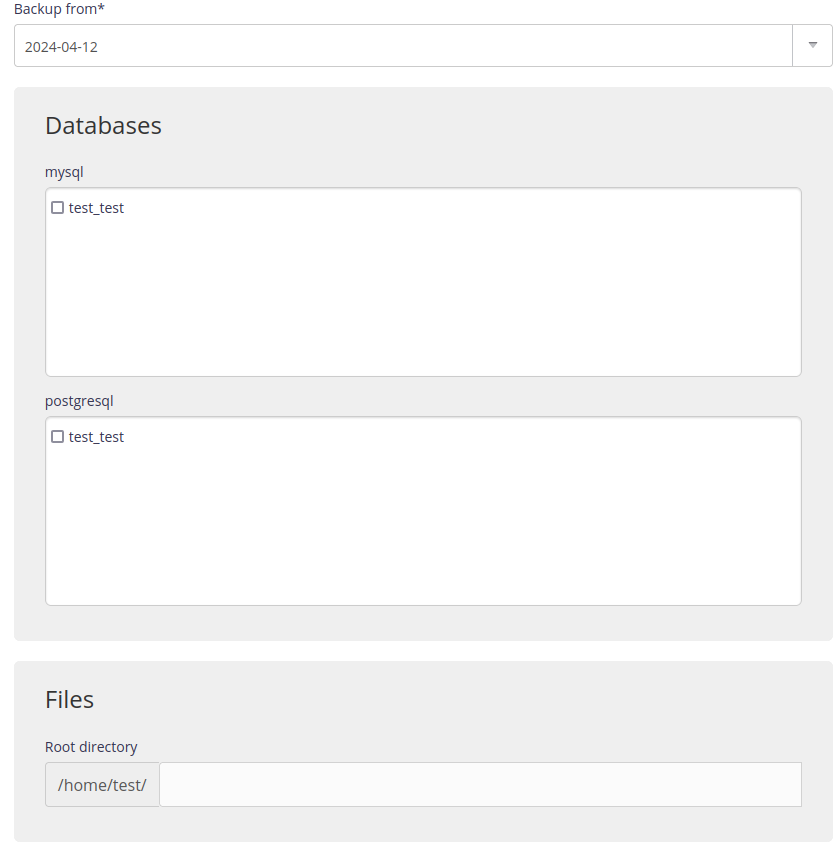
Administration interface: restore backups - step 2
Warning
Restore will overwrite the current configuration, so make a backup first.
Note
The restore time depends on the size of the files to restore.
SSH mode
To restore a backup manually.
Connect to your account in SSH ;
Restore files:
Warning
--delete will delete all of the files from this directory that have been created since the backup date. To run a test add -n.
Restore a MySQL database:
Restore a PostgreSQL database:
Tip
The archived contents (e.g. BDD dumps) in your backup space are in Zstandard format, you can use the official zstd* tools or the adapted plugin for 7zip to manipulate them.
It is not mandatory to restore both databases and files. ↩︎