Activate the HTTP cache on WordPress
- Install the WP Super Cache plugin in the WordPress administration interface. Activate it, then the cache in its settings:
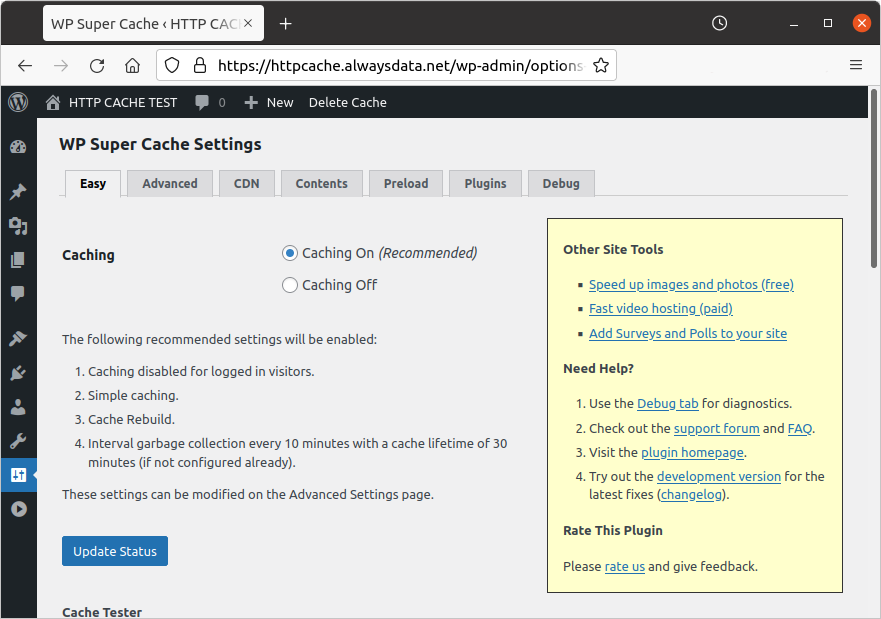
Numerous settings can be modified later.
Activate the HTTP cache on the website in Web > Sites > Modify the [site] - ⚙️ > Cache.
Check whether the cache is activated:
- once on the WordPress home page, open the developer panel on your browser, under the Network menu. Search for the
Ageheader.
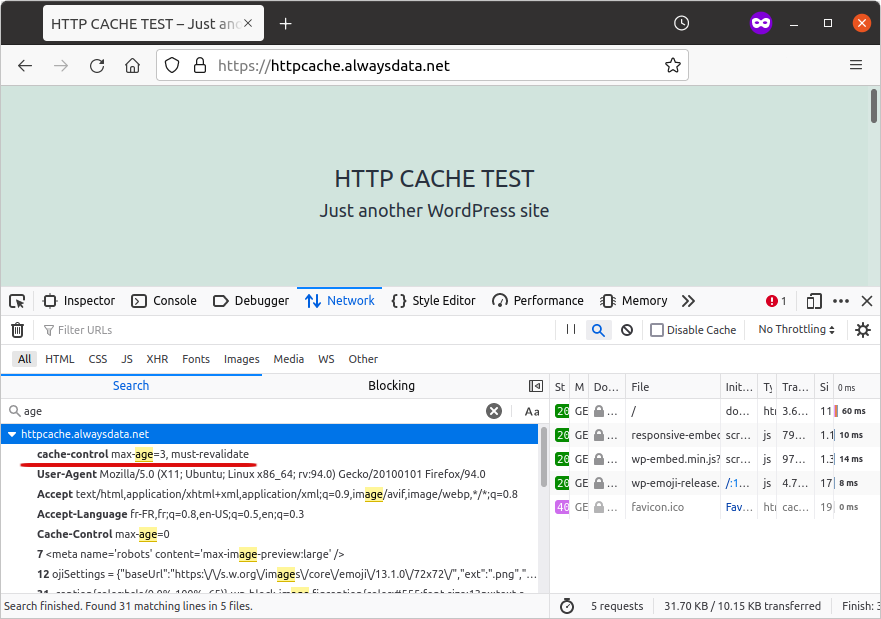
- or by using
curl -I:
If your site returns the header cache-control: max-age=0, it is not cached.