Formatting HTTP Logs
Go to the Logs tab of your site (menu Web > Sites) to customize the HTTP access logs; stored afterwards in the $HOME/admin/logs/http/ directory.
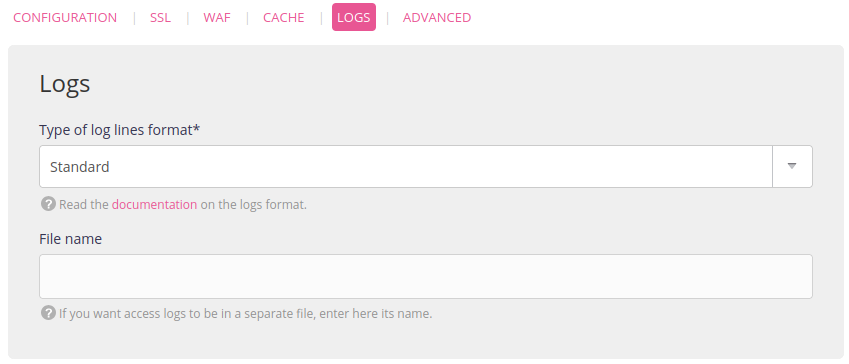
Types of format
- Standard format1:
Example:
- Advanced format (default format):
Example:
Tip
To extract long requests, use the following command: awk '{print $NF,$0}' $HOME/admin/logs/http/[date]/[fichier].log | sort -n | cut -f2- -d' '
- Customized format. The log lines are customized in the Format field. This field accepts character strings as well as a number of variables listed below.
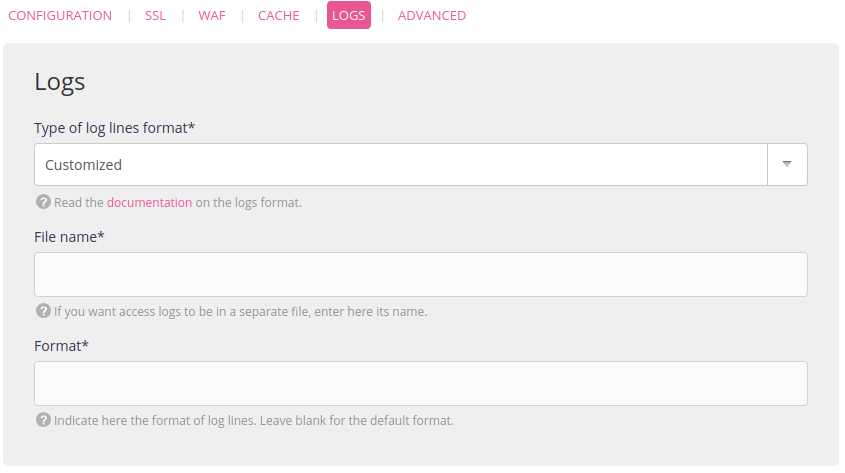
The syntax to use is {variable_name} to see its value appear in the access log lines.
Variables available
| Variables | Description |
|---|---|
| {client_ip} | The IP address of the user that sent the request |
| {completion_date} | The date when the request was served 2 |
| {duration} | Time taken to serve the request in seconds |
| {peer_ip} | IP address of the peer that sent the request (proxy or original user where applicable) |
| {protocol} | Request protocol mechanism (http, https, ws) |
| {referer} | Value of the Referer header sent by the request |
| {request} | First request line |
| {request_header} | Request headers 3 |
| {request_hostname} | Host name required in the request |
| {request_method} | Method used in the request (GET, POST, etc.) |
| {request_path} | Path required in the request, including the query string |
| {request_protocol} | Protocol used in the request (HTTP/1.1, HTTP/2, etc.) |
| {request_time} | The date when the request was received 2 |
| {response_header} | Response headers 3 |
| {response_size} | Response size in bytes, excluding the HTTP headers |
| {ssl_version} | Version of the protocol used for the SSL connection |
| {status} | Response status code (200, 301, 404, 500, etc.) |
| {user_agent} | Value of the User-Agent header sent by the request |
Specific cases
To display the user IP behind Cloudflare use {request_header:cf-connecting-ip}.