
Adding a SRV Record
An SRV record defines the location of specific services.
-
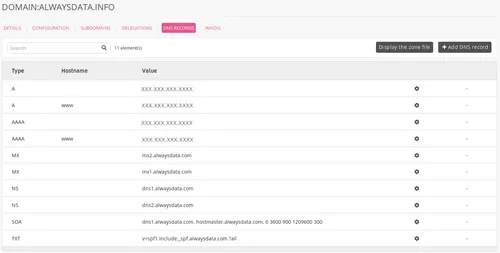
Go to Domains > Details of [example.org] - 🔎 > DNS records,
-
Choose Add a DNS record,
-
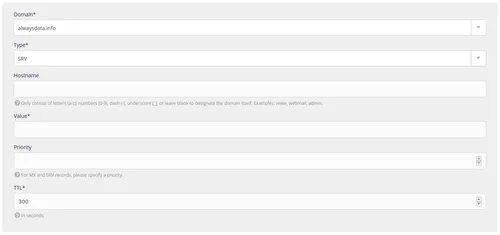
Fill-in the form.
Caution
Do not put the root into the Hostname.
For example, by putting www.example.org in this box, you will create a record for www.example.org.example.org.
Some examples
-
Automatically configure a mail client with
_autodiscover._tcp:» Hostname: _autodiscover._tcp » Value: 0 443 address.server.mail » Priority : 1 » TTL: 300 -
Use Lync (formerly Skype) with
_sip._tlsand_sipfederationtls._tcp:» Hostname: _sip._tls » Value: 1 443 sipdir.online.lync.com » Priority : 100 » TTL: 3600» Hostname: _sipfederationtls._tcp » Value: 1 443 sipfed.online.lync.com » Priority: 100 » TTL: 3600