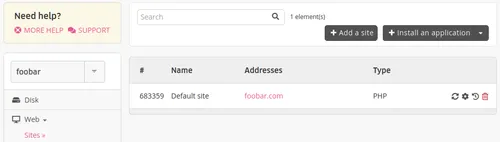
Changing a Website Address
Your site points to an address and you want to use another address/domain. Here are the steps to follow:
In this example, the starting address will be [account].alwaysdata.net and the new address foobar.com.
Note
.alwaysdata.net addresses won't be a possible choice.
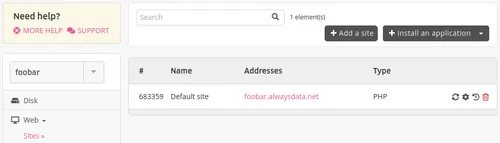
-
Point your domain addresses on our servers:
- if the domain does not exist, you need to buy it,
- if the domain exists, you can:
- add only the addresses needed for the website,
- pass all the technical management to our DNS servers,
- transfer the domain,
-
Add the new addresses to the site in Web > Sites - the old one is still there,
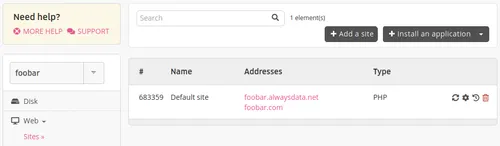
-
Change the address at the application level (in its admin panel for example),
-
Remove the old address in Web > Sites. This last point is not mandatory, if you don't do it the site will just remain accessible on the old address - as long as it points on our servers.