
Configuring Java
Supported versions
| 25 |
| 21 |
| 17 |
| 11 |
| 8 |
The default version can be changed from the alwaysdata administration, under Environment > Java. This is the version that is especially used when you start java.
Versions are not necessarily already installed.
Note
Only LTS versions are made available.
Binary to use
To use a Java version that is different from the default one:
- go on Environment > Java,
- or use
JAVA_VERSION=[VERSION] java(replacing[VERSION]with the desired Java version).
Environment
Your Java environment starts off empty, with no ready installed libraries.
HTTP deployment
To deploy an HTTP application with Java, create a site in the Web > Sites section. You can choose between two types:
Java
It uses the Apache Tomcat HTTP server.
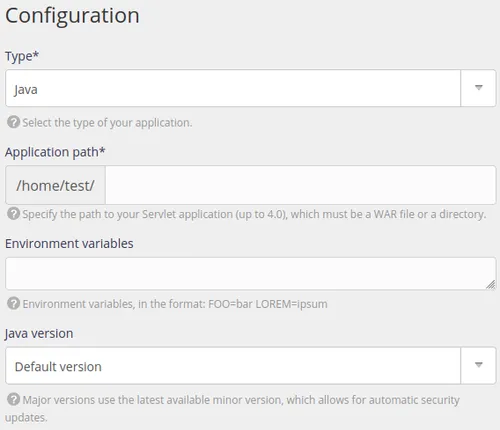
- type: choose Java,
- application path: the path to the file of your Java application.
You can also fill-in a number of optional fields:
- environment variables to define,
- a specific version of Java to use.
User Program
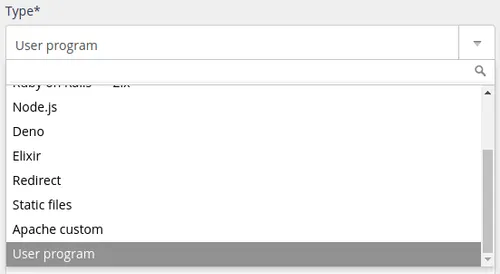
You need to specify the command that will start your Java application, for example1:
$ java -Xmx512m -jar jenkins.war --httpListenAddress=$IP --httpPort=$PORT$ java -jar app.jar --server.address=:: --server.port=$PORTWarning
Your application must absolutely listen to IP :: and the port shown in the site configuration in the Command field or use the IP and PORT environment variables.