
Restore Emails
Backups of your emails are located in the /home/[account]/admin/backup directory for your account. You can restore them using the Advanced > Restore backups menu.
Note
The emails present on the backup date will be restored. No email sent or received since will be deleted.
-
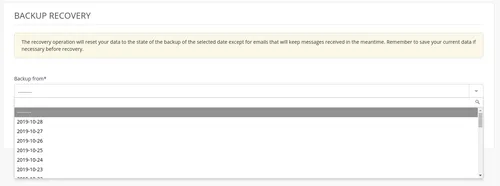
Choose the required date,
-
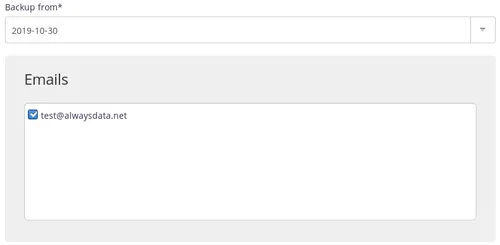
Then check the one or more mailboxes.
Note
The restore time depends on the size of the files to restore.
SSH mode
To restore a backup manually.
-
Connect to your account in SSH ;
-
Restore emails:
$ rsync -av /home/[account]/admin/backup/[date]/mails/[domain]/[mailbox]/ /home/[account]/admin/mail/[domain]/[mailbox]/